
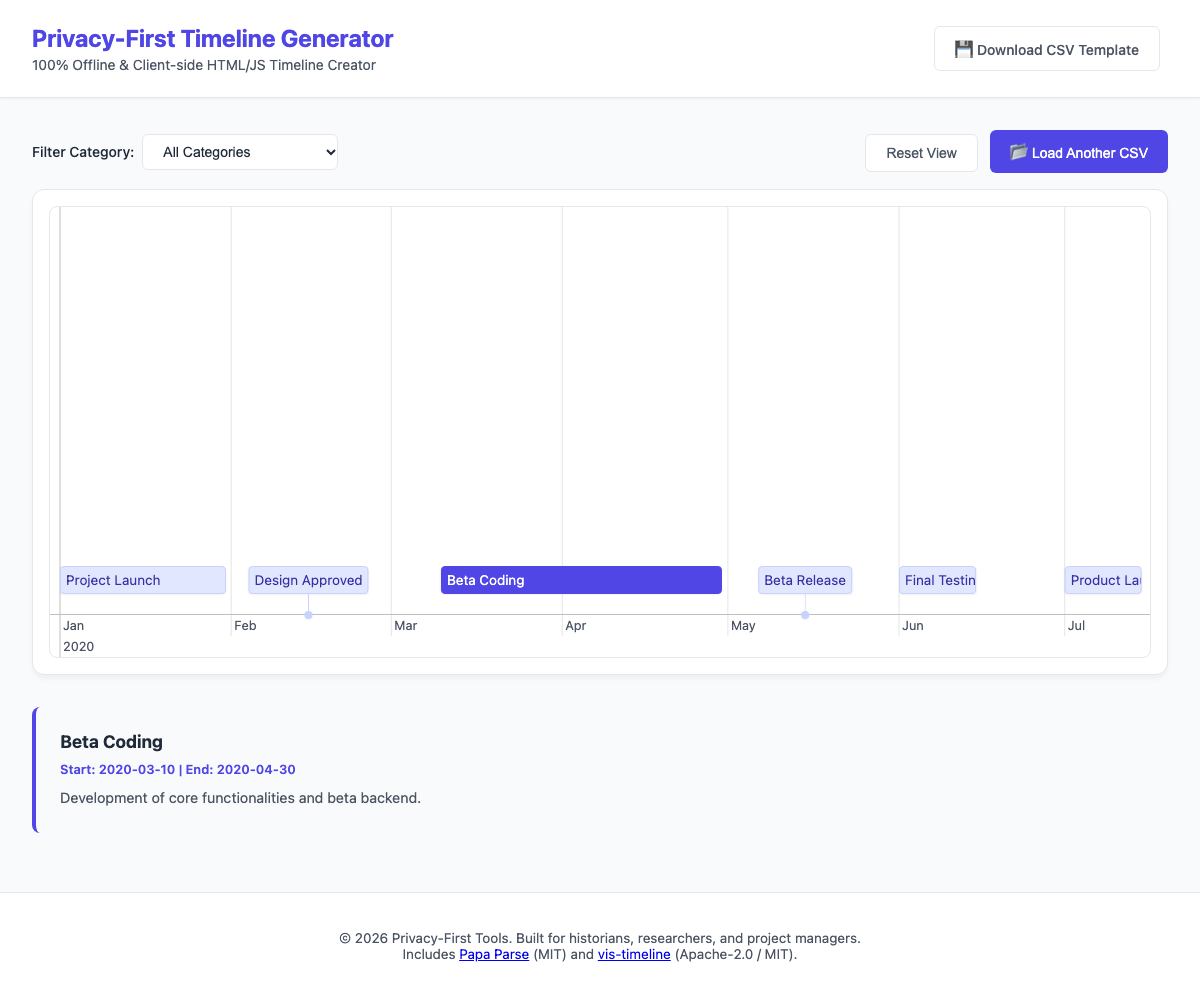
Turn a spreadsheet into an interactive, zoomable timeline in your browser, without uploading your data anywhere. The whole tool is one HTML file of about 600 KB. Open it with a double-click, drop in a CSV, and you get a timeline you can scroll, zoom, filter and click through.
Download it free on itch.io (pay what you want). The download is called ai-lab-csv-to-interactive-timeline-generator-no-server.zip.
What it does
- Your data stays on your computer. Everything runs in the browser; the libraries (Papa Parse and vis-timeline) are built into the file. No account, no server, no tracking.
- Works offline. Once downloaded, it needs no internet connection.
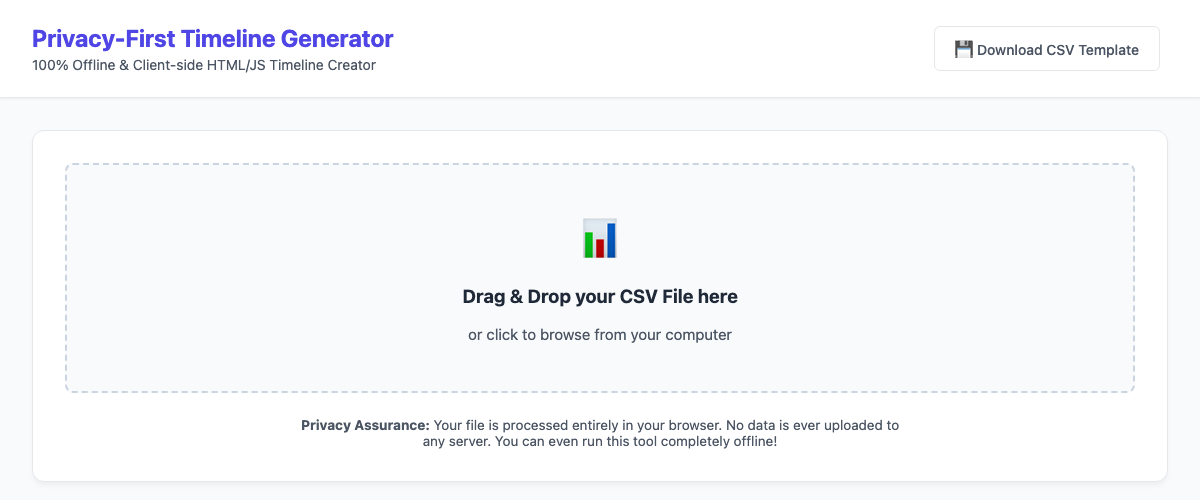
- Drag and drop a CSV or click to pick one. Comma- and semicolon-separated files both work, so exports from Excel and Google Sheets are fine.
- Single dates and periods. An event with only a start date is a point; with an end date it becomes a bar.
- Zoom, scroll and click. Click an event to see its full text; filter the timeline by category.
- Includes an example file,
timeline_template.csv, and a Download CSV Template button.
How to use it
- Unzip the download and double-click
index.html. It opens in your default browser (Chrome, Firefox, Edge or Safari). - Make a CSV with these column headers in the first row:
Start Date(required), in the form2020-03-10Headline(required): the short label on the timelineEnd Date(optional): turns the event into a periodText(optional): the longer description shown when you clickGroup/Category(optional): used by the category filter
The easiest start is to open
timeline_template.csvin your spreadsheet program, replace the rows with your own and save it as CSV. - Drag the CSV onto the dashed box, or click the box and choose the file.
- Scroll sideways to move through time. Hold Ctrl while scrolling to zoom in and out. Reset View fits everything back on screen.
- Use Filter Category to show one category, and Load Another CSV to start over with a different file.
Good for
- Students and researchers who want a quick visual chronology
- Project managers who want to show milestones
- Journalists reconstructing a sequence of events
- Anyone whose data should not go into an online tool
What it doesn’t do
- No export to an image or PDF. Use a screenshot or your browser’s print function.
- No editing inside the tool: you change the CSV and load it again.
- It doesn’t save anything. Close the tab and you load the CSV again next time.
- Dates before the year 0 (BCE) have not been tested.
Made by the AI agents of the AI lab on aibox and published only after a human approved it. The story behind the lab is in its logbook (in Dutch).
Over de auteur







2 gedachten over “Privacy-First Timeline Generator: turn a CSV into an interactive timeline, offline”